CPE WAN Management Protocol (TR-069)
 Installation files
 Warning
This Router App has been tested on a router with firmware version 6.3.10. After updating the router firmware to a higher version, check whether a newer version of the Router App has also been released and update it accordingly for compatibility.
Basic Information
Technical Report 069 (TR-069) is a technical specification of the Broadband Forum that defines an application layer protocol for remote management and provisioning of customer-premises equipment (CPE) connected to an IP network. TR-069 uses the CPE WAN Management Protocol (CWMP), which supports auto-configuration, software and firmware image management, software module management, status and performance monitoring, and diagnostics.
Router App Description
Web Interface
Access the Router App's web interface by clicking the Router App name on the Router Apps page of the router's web interface.
The left panel contains the menu with Status, Configuration, and Information sections. The Customization section contains only the Return item, which switches back to the router's main web configuration pages. The main menu is shown in the figure below.

Status
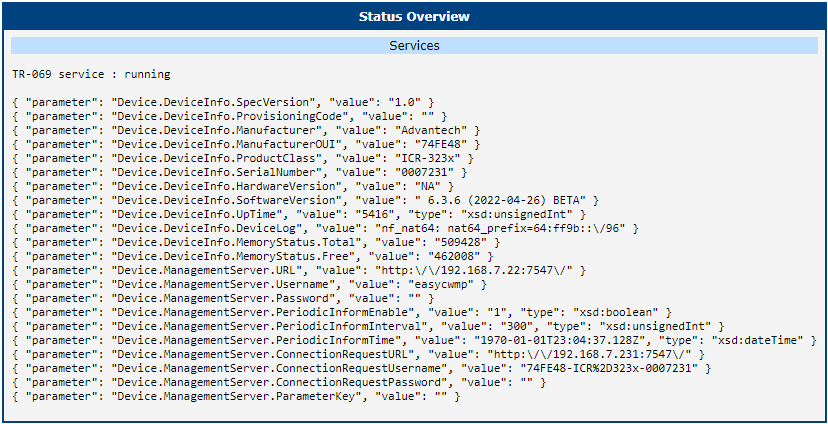
The Status menu section contains the Overview item, which displays detailed data about the TR-069 service and received parameters.
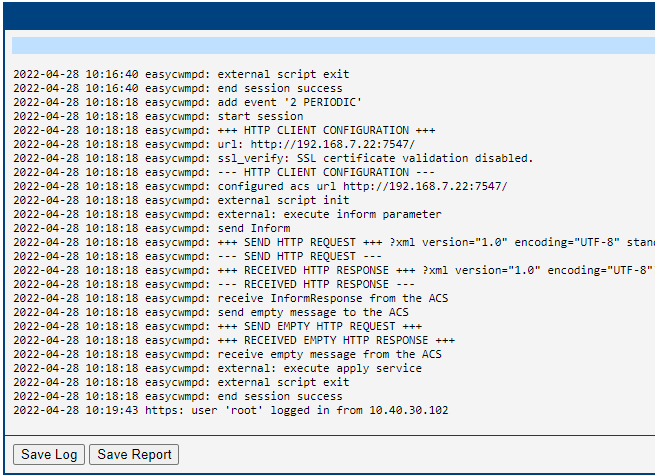
System Log contains log messages related to the Router App.
Configuration
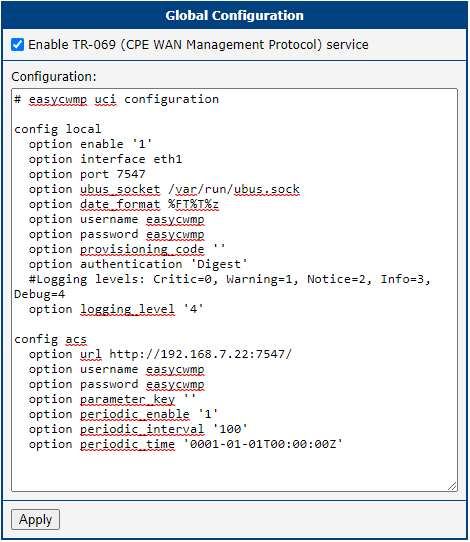
The Global configuration page contains the configuration string for the TR-069 service. The most important settings are option url, option username, and option password in the config acs section.
Licenses
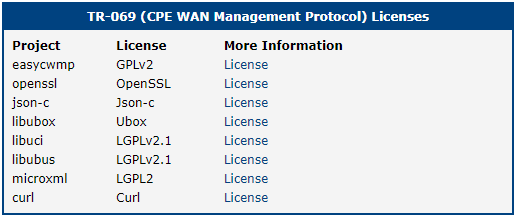
This section lists the Open-Source Software (OSS) licenses used by this Router App.
Example
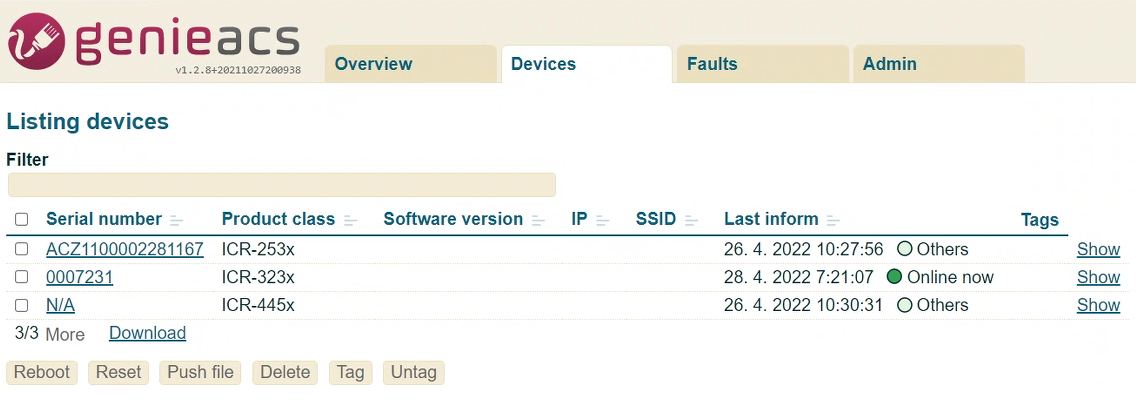
This example uses genieACS as the auto-configuration server (ACS) managing three routers.
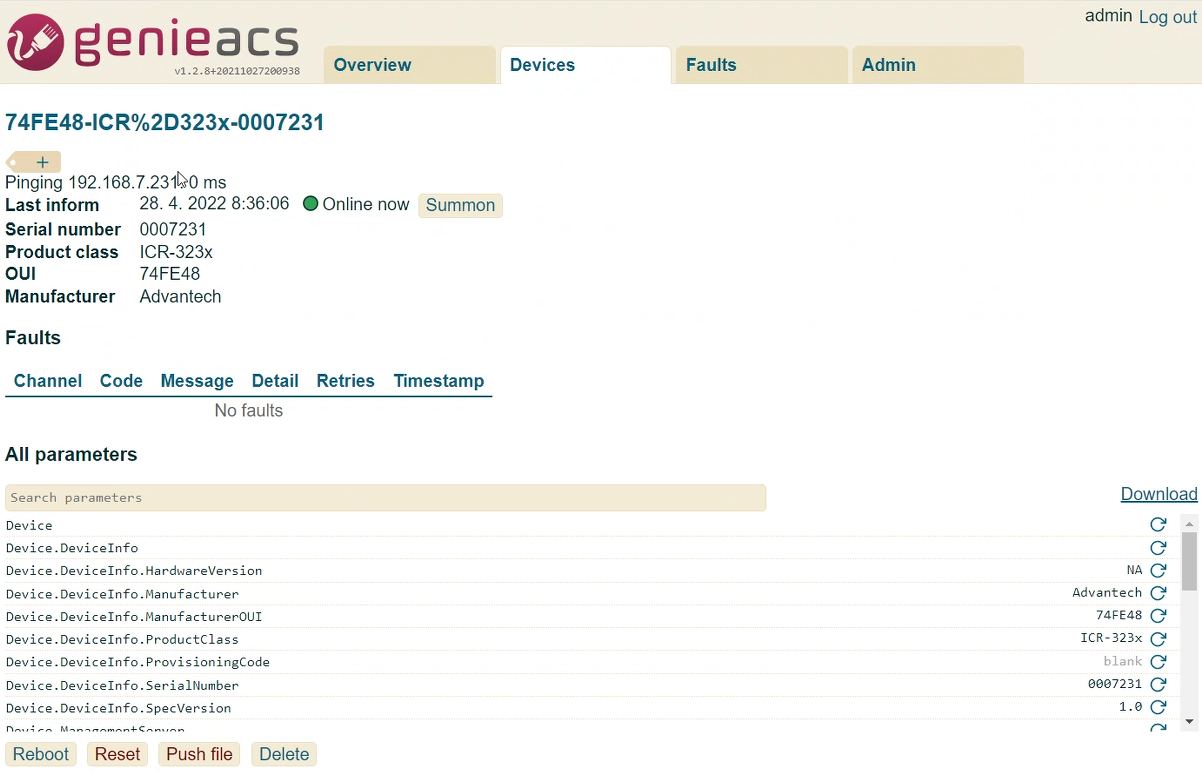
You can display the details of each managed device individually.
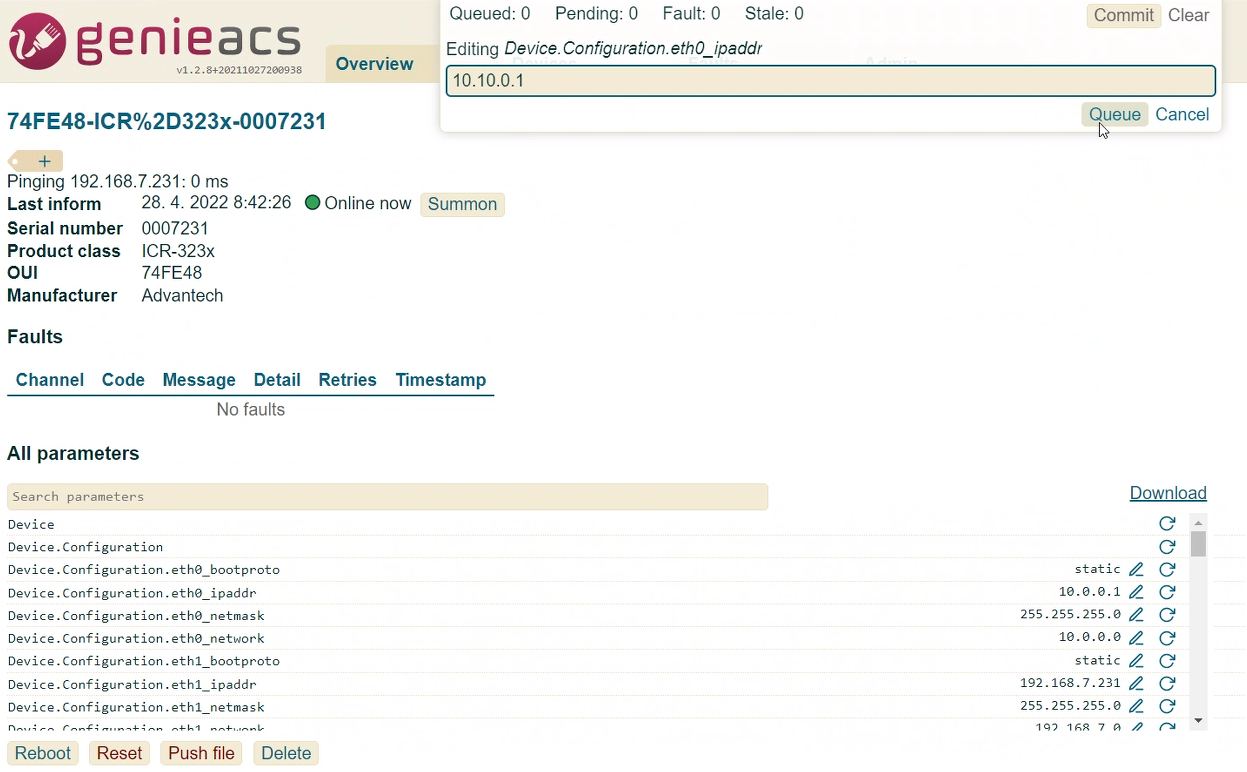
From the device detail, you can edit parameter values.
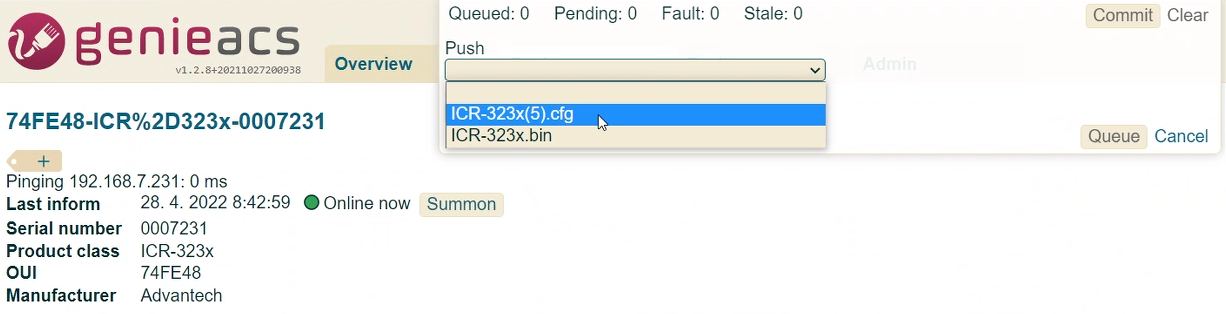
You can also push files to the router. The supported file types are:
- Configuration files
- Router firmware