TCP SYN Keep-Alive
 Installation files
 Caution
- This Router App has been tested on a router with firmware version 6.3.10. After updating the router firmware to a higher version, check whether a newer version of the Router App has also been released and update it accordingly for compatibility.
Description
This Router App checks a TCP connection to a defined IP address on a specified TCP port. The Router App performs the check at a configured interval. Failed connection attempts are logged, and when the preset failure limit is exceeded, the WAN connection is restarted.
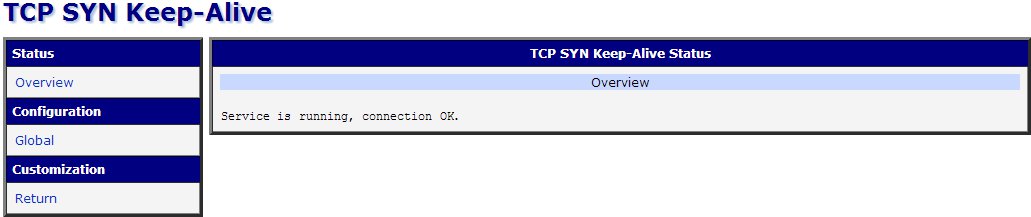
To access the Router App web interface, click the Router App name on the Router Apps page of the router's web interface. The left menu contains Status (with monitoring pages), Configuration, and Customization (with Return to go back to the router's interface).
Web Interface
Overview
The Overview page under the Status section displays information about the current activity of the Router App.

Global
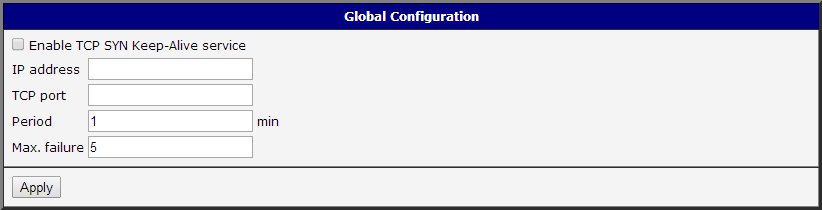
Configure the Router App using the Global form. The Enable TCP SYN Keep-Alive service checkbox at the top activates the Router App. The table below describes the remaining configuration items:
| Item | Description |
|---|---|
| IP address | IP address on which the TCP connection is checked. |
| TCP port | Port number used for the connection check. |
| Period | Interval between connection checks, in minutes. |
| Max. failure | Maximum number of consecutive failures before the WAN connection is restarted. |
Configuration items
Click Apply to apply all changes.