
Protocol NHRP (DMVPN)
 Installation files
 Caution
- This Router App has been tested on a router with firmware version 6.3.10. After updating the router firmware to a higher version, check whether a newer version of the Router App has also been released and update it accordingly for compatibility.
Description
The Next Hop Resolution Protocol (NHRP) is used in Dynamic Multipoint Virtual Private Network (DMVPN). NHRP does not handle multicast traffic; multicast must be handled separately (for example, by multicast mappings).
Installation
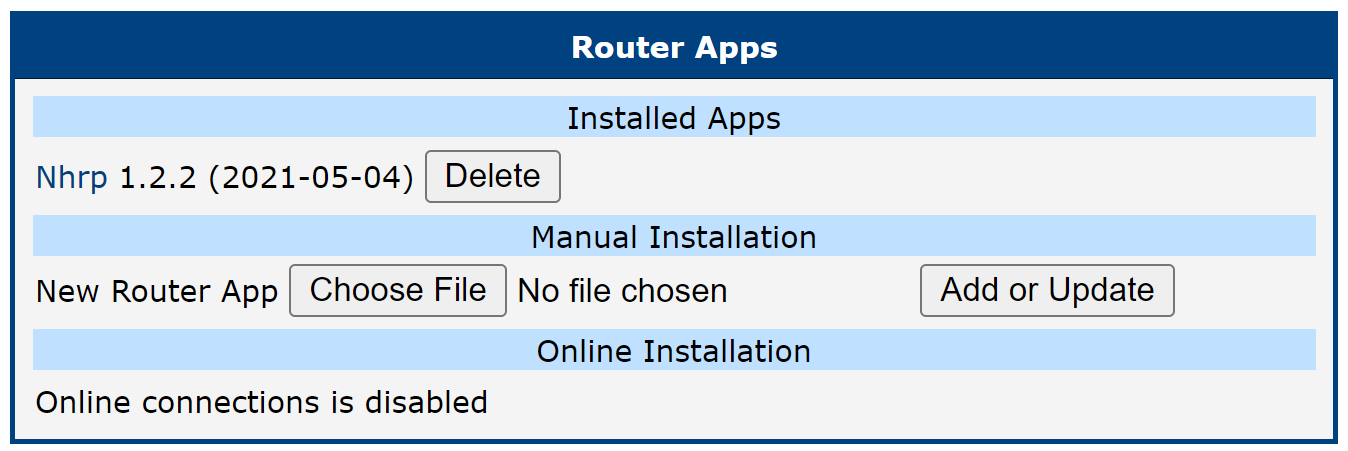
Like every other Router App, NHRP is installed in the Router Apps section of the router's configuration page. Once installation is complete, the app appears in the list of installed apps. The Router App provides a web interface with Status and Configuration sections.
How to Use
Status
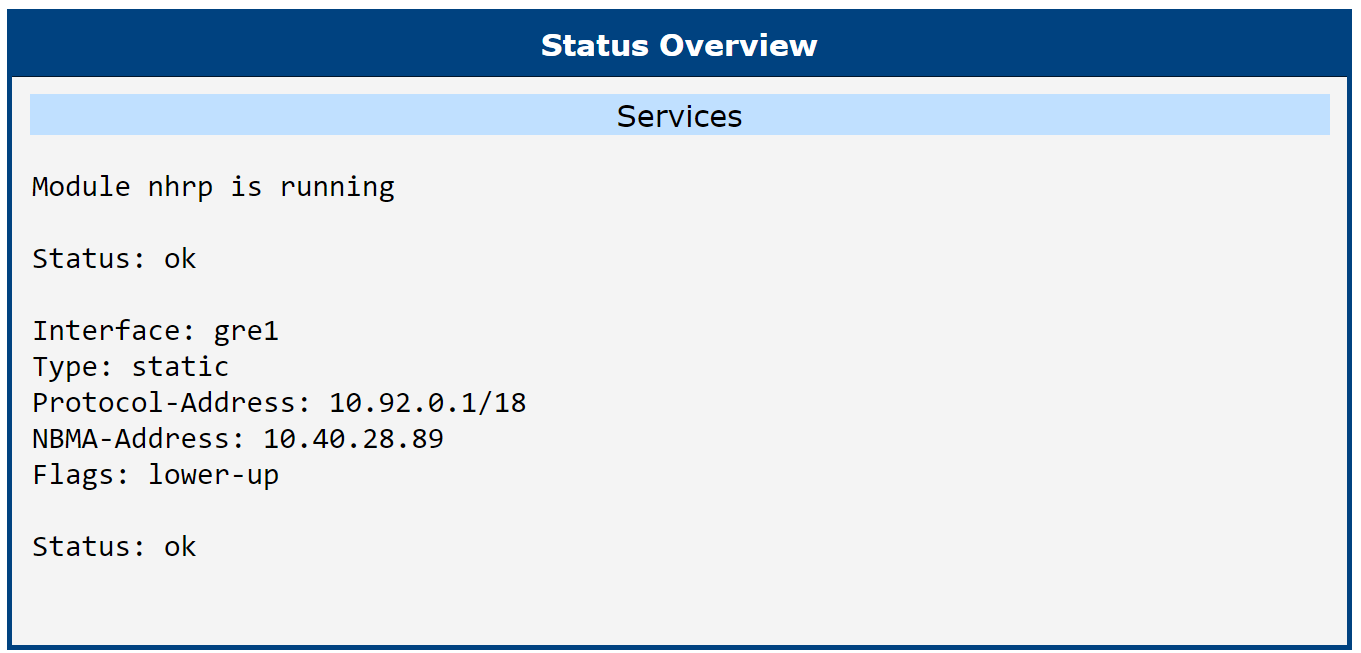
The Status Overview page shows the current state of the NHRP Router App and information about the active configuration.
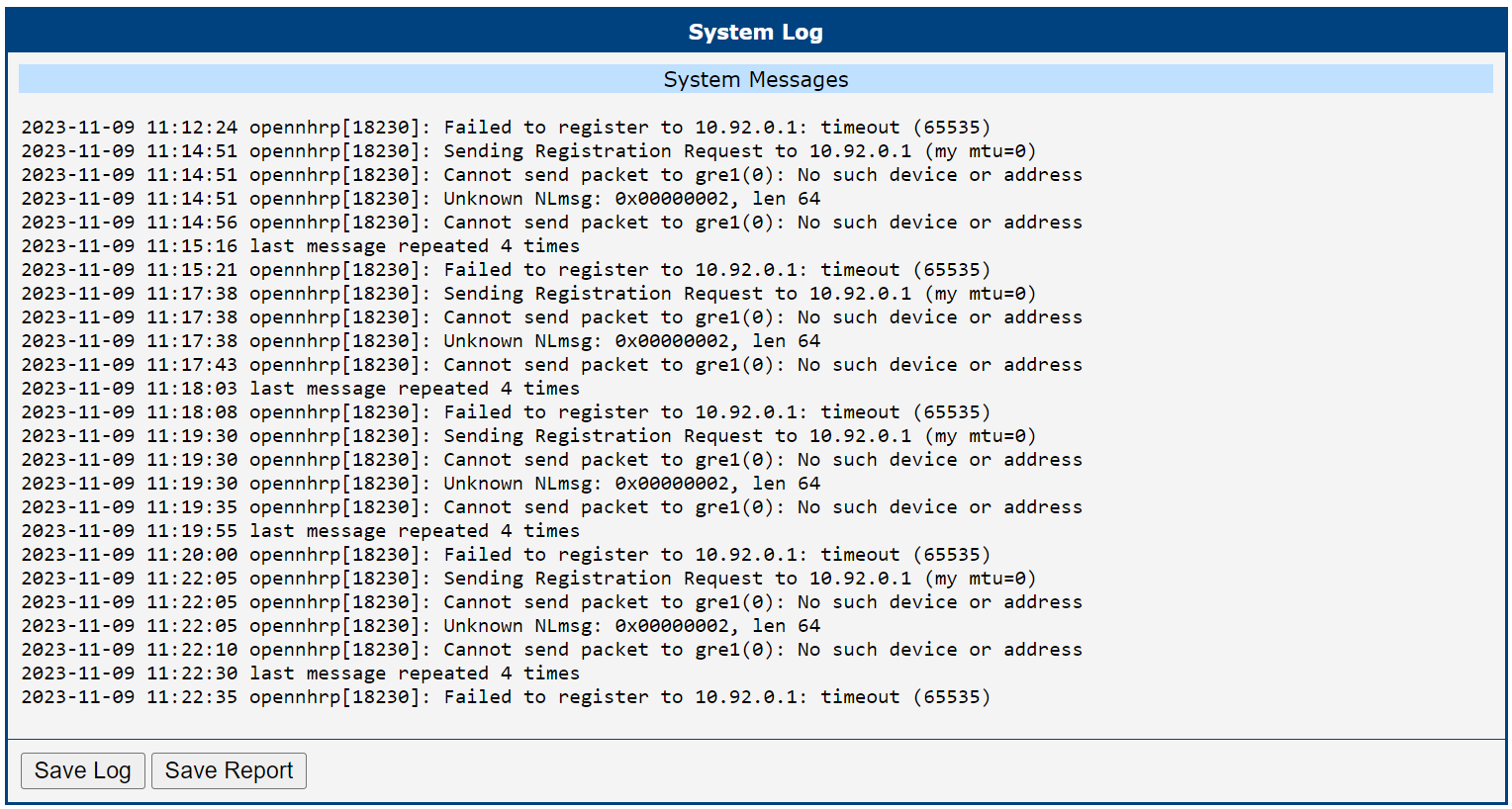
The System Log page contains a record of system messages from the router.
Configuration
Go to the Router Apps page and click NHRP to configure the Router App. Enable the Enable NHRP checkbox and enter the configuration commands in the fields.
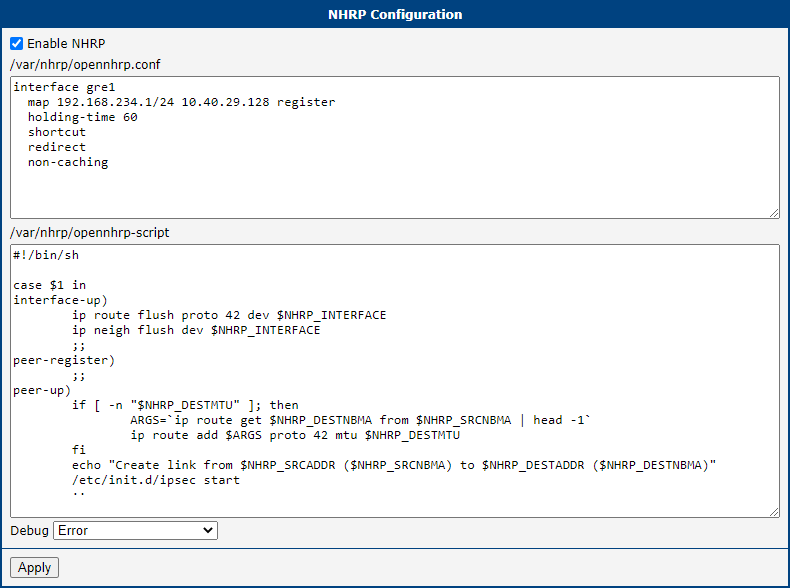
Field /var/nhrp/opennhrp.conf — insert the following configuration to register the appropriate interface to the NHRP headquarters hub router and set other required parameters (edit to match your setup):
interface gre1
map 192.168.234.1/24 10.40.29.128 register
holding-time 60
shortcut
redirect
non-caching
Field /var/nhrp/opennhrp-script — this is the OpenNHRP script that defines behavior in various situations. It can be left unchanged. If the script is accidentally modified, restore the following default content:
#!/bin/sh

case $1 in
interface-up)
ip route flush proto 42 dev $NHRP_INTERFACE
ip neigh flush dev $NHRP_INTERFACE
;;
peer-register)
;;
peer-up)
if [ -n "$NHRP_DESTMTU" ]; then
ARGS=`ip route get $NHRP_DESTNBMA from $NHRP_SRCNBMA | head -1`
ip route add $ARGS proto 42 mtu $NHRP_DESTMTU
fi
echo "Create link from $NHRP_SRCADDR ($NHRP_SRCNBMA) to $NHRP_DESTADDR ($NHRP_DESTNBMA)"
/etc/init.d/ipsec start
;;
peer-down)
echo "Delete link from $NHRP_SRCADDR ($NHRP_SRCNBMA) to $NHRP_DESTADDR ($NHRP_DESTNBMA)"
if [ "$NHRP_PEER_DOWN_REASON" != "lower-down" ]; then
/etc/init.d/ipsec stop
fi
ip route del $NHRP_DESTNBMA src $NHRP_SRCNBMA proto 42
;;
route-up)
echo "Route $NHRP_DESTADDR/$NHRP_DESTPREFIX is up"
ip route replace $NHRP_DESTADDR/$NHRP_DESTPREFIX proto 42 via $NHRP_NEXTHOP dev $NHRP_INTERFACE
ip route flush cache
;;
route-down)
echo "Route $NHRP_DESTADDR/$NHRP_DESTPREFIX is down"
ip route del $NHRP_DESTADDR/$NHRP_DESTPREFIX proto 42
ip route flush cache
;;
esac

exit 0
Click Apply to save all changes. Use the same procedure for all spoke routers — the NHRP configuration is identical for all spokes.