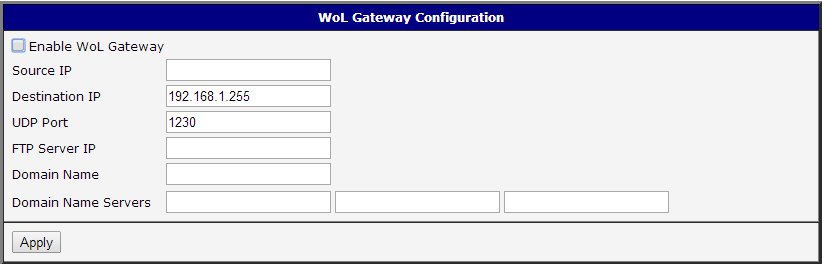
Wake-on-LAN Gateway
 Installation files
 Caution
- This Router App has been tested on a router with firmware version 6.3.10. After updating the router firmware to a later version, check whether a newer version of the Router App is available and update it if necessary to maintain compatibility.
Description
This Router App allows the router to listen for UDP packets on a specified port, receive them from a predefined source (Source IP), and forward them to a target address (Destination IP) as a broadcast. The Router App also applies the necessary adjustments to the DHCP server configuration.
To open the Router App web interface, click the Router App name on the Router Apps page of the router's web interface. The left menu contains only the Return item, which navigates back to the router's web interface.
Configuration
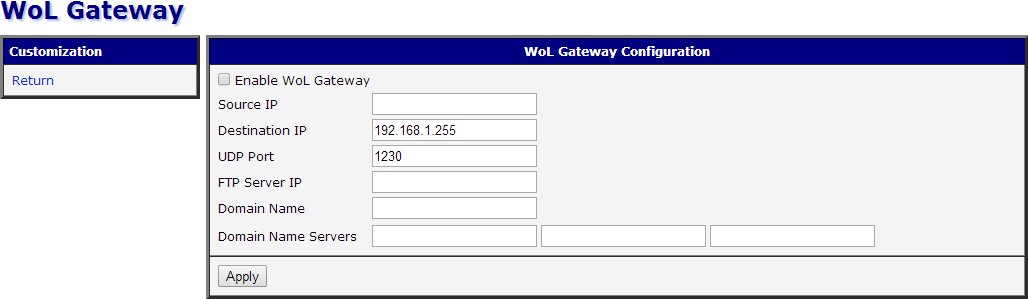
Configure the Router App using the form on the right side of the web interface. The Enable WoL Gateway checkbox at the top activates the Router App. The remaining items are described in the table below:
| Item | Description |
|---|---|
| Source IP | Source IP address from which packets are received. |
| Destination IP | Destination IP address to which packets are forwarded as a broadcast. |
| UDP Port | UDP port used for communication. |
| FTP Server IP | IP address of an FTP server (corresponds to DHCP option 161). |
| Domain Name | Domain name. |
| Domain Name Servers | Specifies up to three DNS servers. |
Configuration items
Click Apply to apply all changes.