HTTP Authentication
 Installation files
 Caution
- This Router App has been tested on a router with firmware version 6.3.10. After updating the router firmware to a higher version, check whether a newer version of the Router App has also been released and update it accordingly for compatibility.
Tips
This Router App is compatible with v2 and v3 router platforms.
This Router App adds an authentication process (identity verification) to a server that does not provide this service natively. To access the protected server, enter the IP address of the router and the port number on which authentication takes place. A standard login dialog then prompts you to enter your credentials. If the entered data matches the credentials configured in the HTTP Authentication Router App, access to the server proceeds normally. Otherwise, the 401 Unauthorized error message appears.
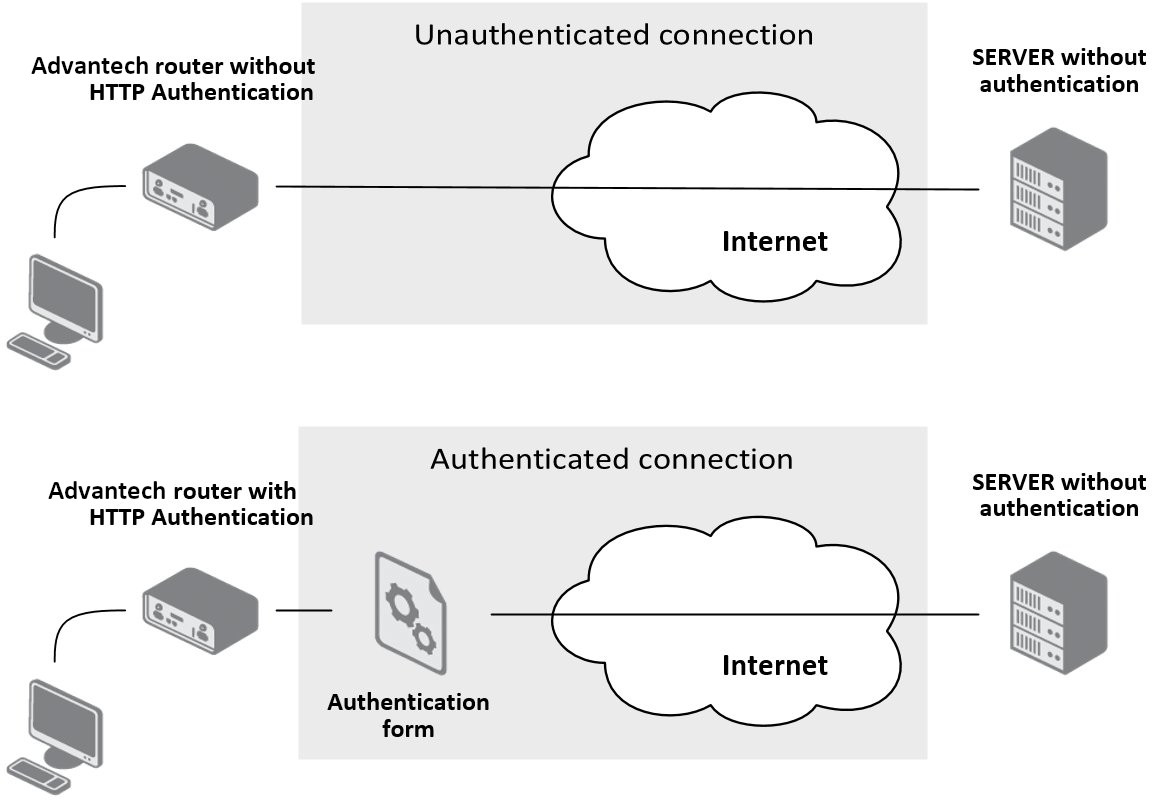
For configuration, the HTTP Authentication Router App provides a web interface, which you open by clicking the Router App name on the Router Apps page of the router web interface. The left part of the web interface (the menu) contains only the Return item, which switches back to the router web interface.
Configuration
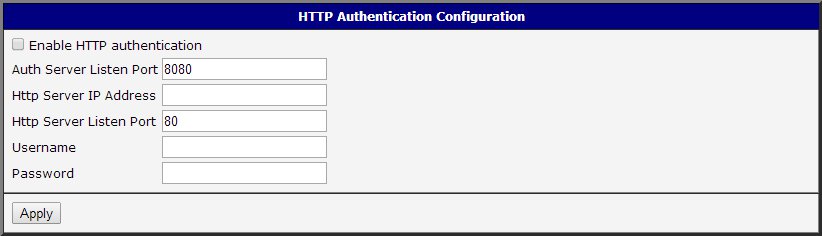
Configure the HTTP Authentication Router App using the form on the right side of the web interface. The first item — Enable HTTP authentication — activates the Router App. The other items are described in the table below:
| Item | Description |
|---|---|
| Auth Server Listen Port | Port on which authentication takes place |
| Http Server IP Address | IP address of the server for which authentication is activated |
| Http Server Listen Port | Port on which the server listens (usually 80) |
| Username | Username required for access to the specified server |
| Password | Password required for access to the specified server |
Configuration items
Changes take effect after you click the Apply button.
Sample Configuration
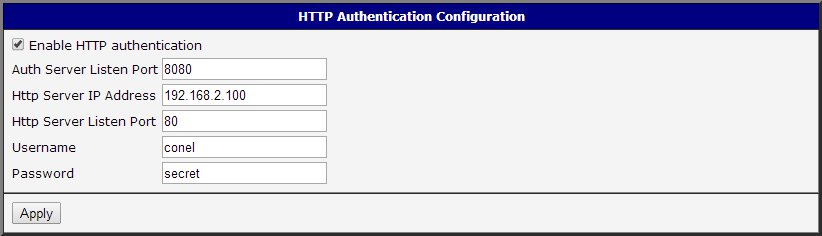
The figure below shows a configuration in which authentication is required to access the server with IP address 192.168.2.100 on port 80 (username: conel, password: secret). The authentication process runs on port 8080. To access the server, enter the router's IP address and the authentication port — for example: 10.0.3.188:8080.