
Midnight Commander
 Installation files
 Caution
- This Router App has been tested on a router with firmware version 6.3.10. After updating the router firmware to a higher version, check whether a newer version of the Router App has also been released and update it accordingly for compatibility.
Description
Midnight Commander is a directory browser and file manager for Unix-like operating systems. The Midnight Commander Router App adds the ability to use mc from the router's command line when connected via SSH or a terminal emulator such as PuTTY.
Installation
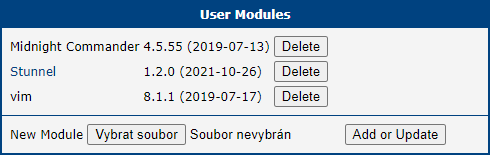
Like every other Router App, Midnight Commander is installed on the Router Apps page of the router's web interface. Once the installation is complete, the Router App appears in the list of installed apps. The Router App itself does not have a web interface — it only adds the ability to use mc from the command line when connected to the router.
How to Use
Command Line
Connect to the router via SSH:
ssh username@router_address
# Password:
Then launch Midnight Commander:
mc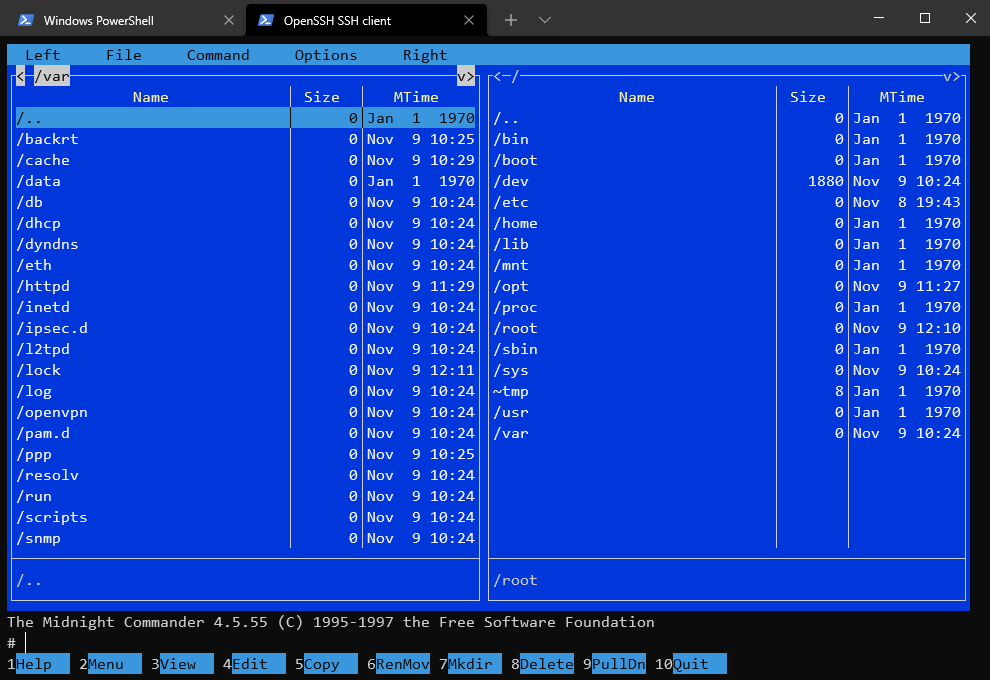
The Midnight Commander screen is divided into four parts. Almost all of the screen space is taken up by two directory panels. By default, the second line from the bottom is the shell command line, and the bottom line shows the function key labels. The topmost line is the menu bar, which appears when you click the top line or press the F9 key.
Midnight Commander shows two directories at the same time. One of the panels is the current panel (indicated by the selection bar). Almost all operations take place on the current panel. Some file operations, such as Rename and Copy, use the directory of the unselected panel as the default destination — they always ask for confirmation first. For more information, see the Midnight Commander manual page (man mc).
You can execute system commands from Midnight Commander by typing them. Everything you type appears on the shell command line, and pressing Enter executes the command.
Web Interface
Midnight Commander can also be used from the router's web interface with the Web Terminal Router App. Once installed, open the Web Terminal app to access a browser-based command line:
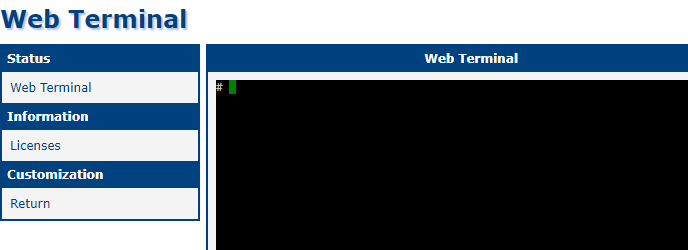
As in the Command Line section above, type:
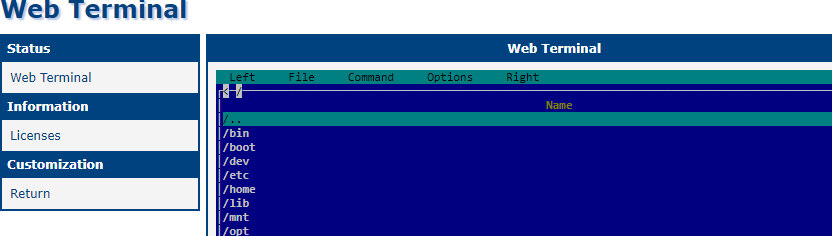
mcMidnight Commander opens directly in your browser:
Known Issues and Limitations
- Subshell (
Ctrl+O) does not work becauseASHis not supported in the current version ofsubshell.c. - The original directory is restored after exiting
mc, and there is no way to override the current directory for the parent shell. Thealiascommand is disabled in the BusyBox configuration, so a wrapper script cannot be used. - Virtual file system support (e.g. browsing the contents of
.tararchives) is disabled.