Vim Text Editor
 Installation files
 Caution
- This Router App has been tested on a router with firmware version 6.3.10. After updating the router firmware to a higher version, check whether a newer version of the Router App is available and, if so, update it to maintain compatibility.
Description
Vim is a text editor upward-compatible with Vi, capable of editing all kinds of plain text and especially well suited for editing program files. The Vim Router App lets you use the Vim editor in the router's command line when connected via SSH (for example, using PuTTY).
Installation
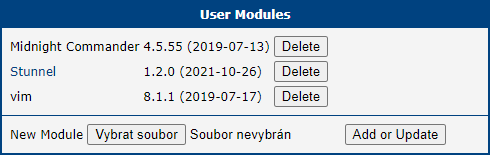
Like every other Router App, Vim is installed in the Router Apps section of the router's web interface. Once installed, it appears in the list of installed Router Apps. It does not have its own web interface — it only adds the vim command to the router's command line.
How to Use
Command Line
First, connect to the router via SSH:
ssh username@router_address
Password:
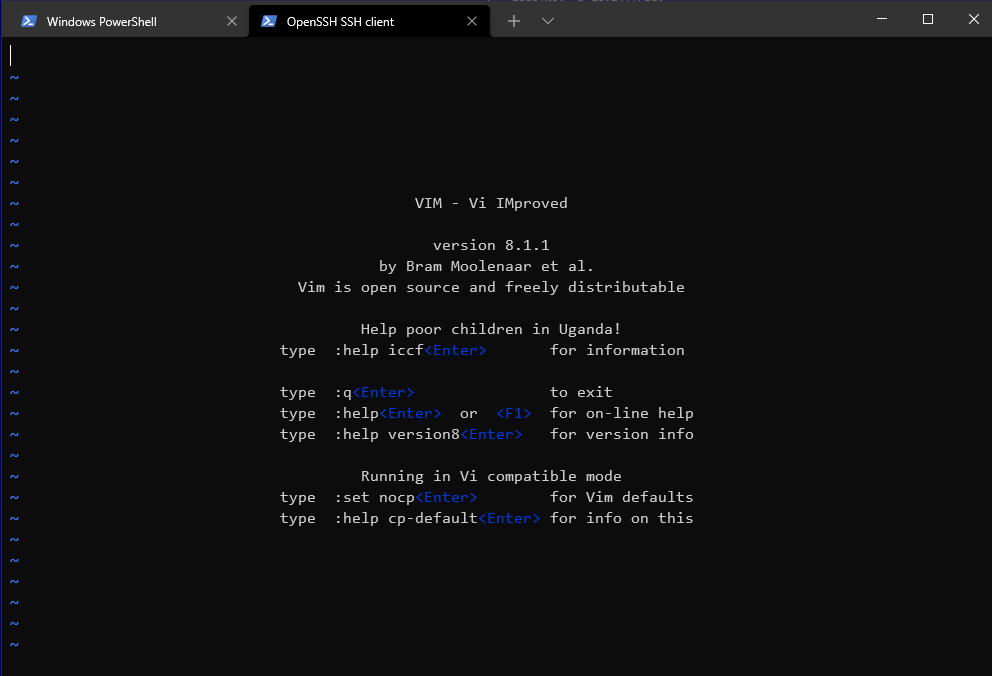
Then launch the Vim editor:
vimVim opens and is ready to use:
Web Terminal
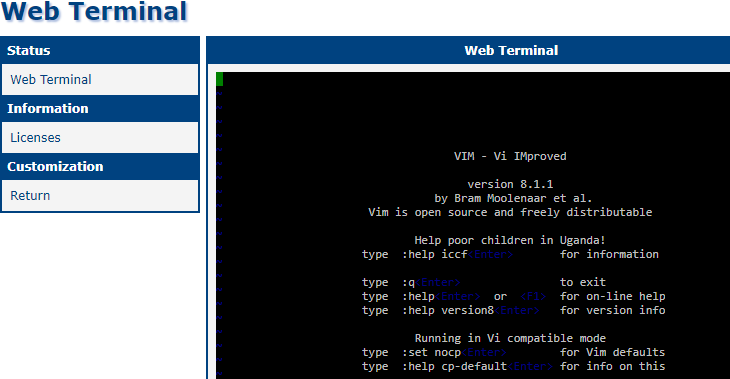
You can also use Vim through the router's web interface with the Web Terminal Router App. After installing it, open the Web Terminal Router App to access a command-line interface in the browser:
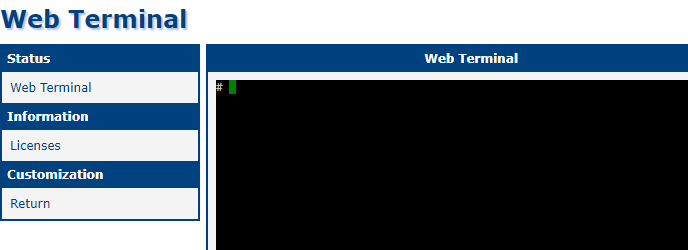
As in the command-line method, type:
vimVim opens directly in the browser: