Node-RED / Dashboard
 Installation files
 Tips
This Router App adds nodes to the Node-RED Router App and works only after the Node-RED Router App is installed.
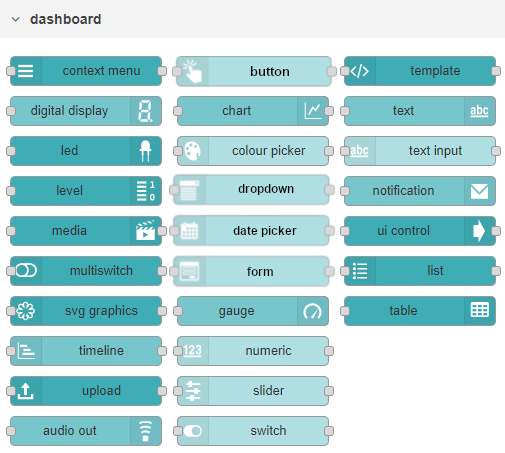
The dashboard lets you create a web UI to interact with your Node-RED flows and applications. For example, it can show live data from the input nodes or let you control the behavior of the flow. Installing this Router App adds the Dashboard nodes shown in the figure below. Compared to the basic Dashboard package, it contains several additional nodes. The running Dashboard web page is accessible at https://<ip-address-of-the-router>:<configured-port>/ui. For more information, see the official documentation: https://flows.nodered.org/node/node-red-dashboard